How Kamaipay works
Understand the visible Buy, Sell, Account and transaction-history areas. Read the process guide.
Looking for information about the KamaiPay Pakistan app? Explore its dashboard, buy and sell screens, linked payment accounts and app features through clear guides and screenshots.
This is an independent information website, not the app operator. The access button opens the platform referral link.
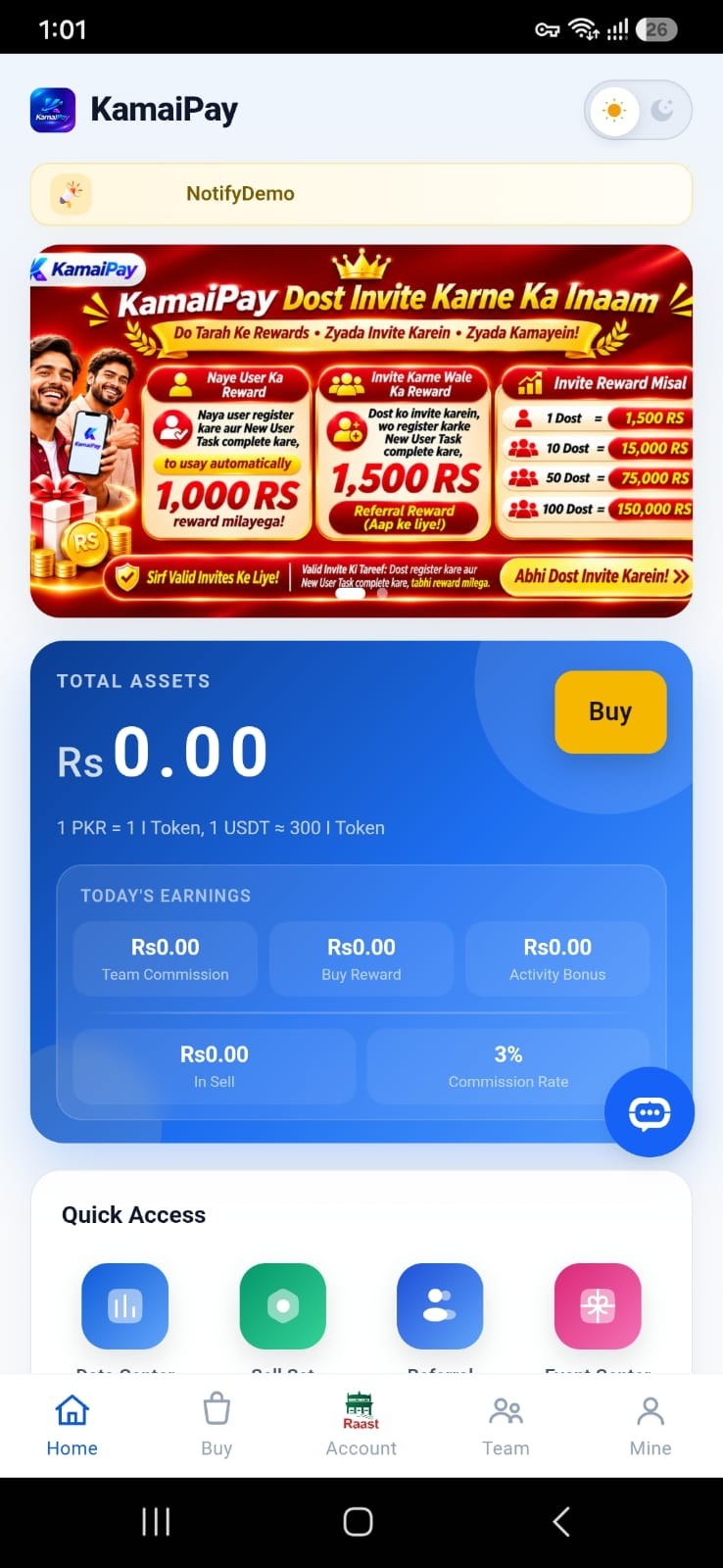
Find practical explanations of the screens shown in the app, what the menu labels mean and which details to check before using a payment feature.
Understand the visible Buy, Sell, Account and transaction-history areas. Read the process guide.
Review the payment options reported as supported, including Pakistani digital wallets and bank accounts. View supported payment methods.
Read account-safety checks and learn how to access the platform. Registration guide and app guide.
The supplied app screenshot shows a total-assets panel, today's earnings summary, quick-access shortcuts and bottom navigation for Home, Buy, Account, Team and Mine.
Amounts, rates and reward figures visible in app screenshots are platform-displayed information. They should not be treated as guaranteed income or proof of a successful withdrawal.
Explore account screens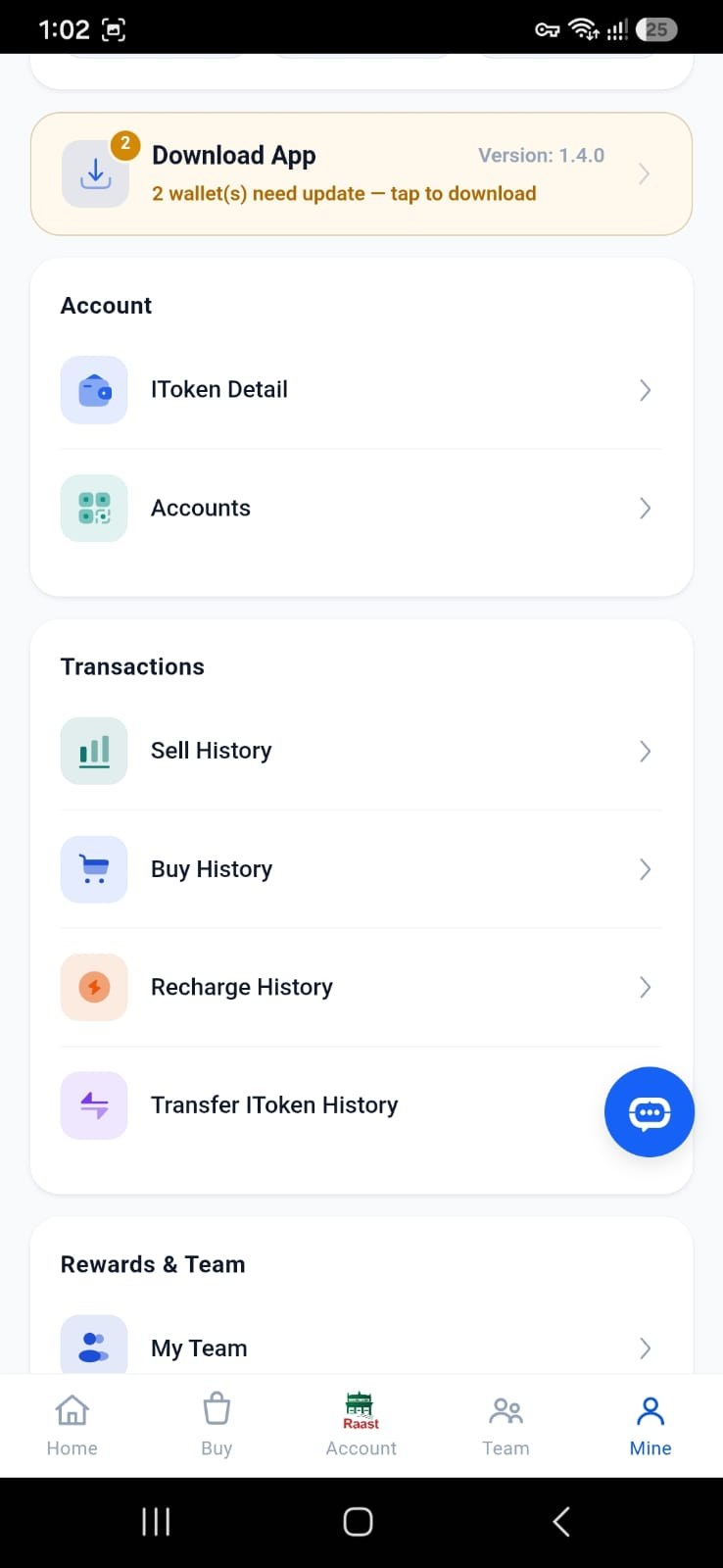
According to information supplied for this guide, Kamaipay supports bank accounts and the following Pakistani payment wallets. Check your account for current availability and transaction limits.
Wallet support is based on platform information supplied to this website and has not been independently tested.